

Simple Setup
How to connect it?
1. Plug the adapter into the USB port of your car.
2. On your car’s display, open the settings for adding a new device — just like when you connect your phone for the first time.
3. Select AutoBox from the list and pair it.
4. Within seconds, your connection is ready — simple and wireless!
How to share Internet?
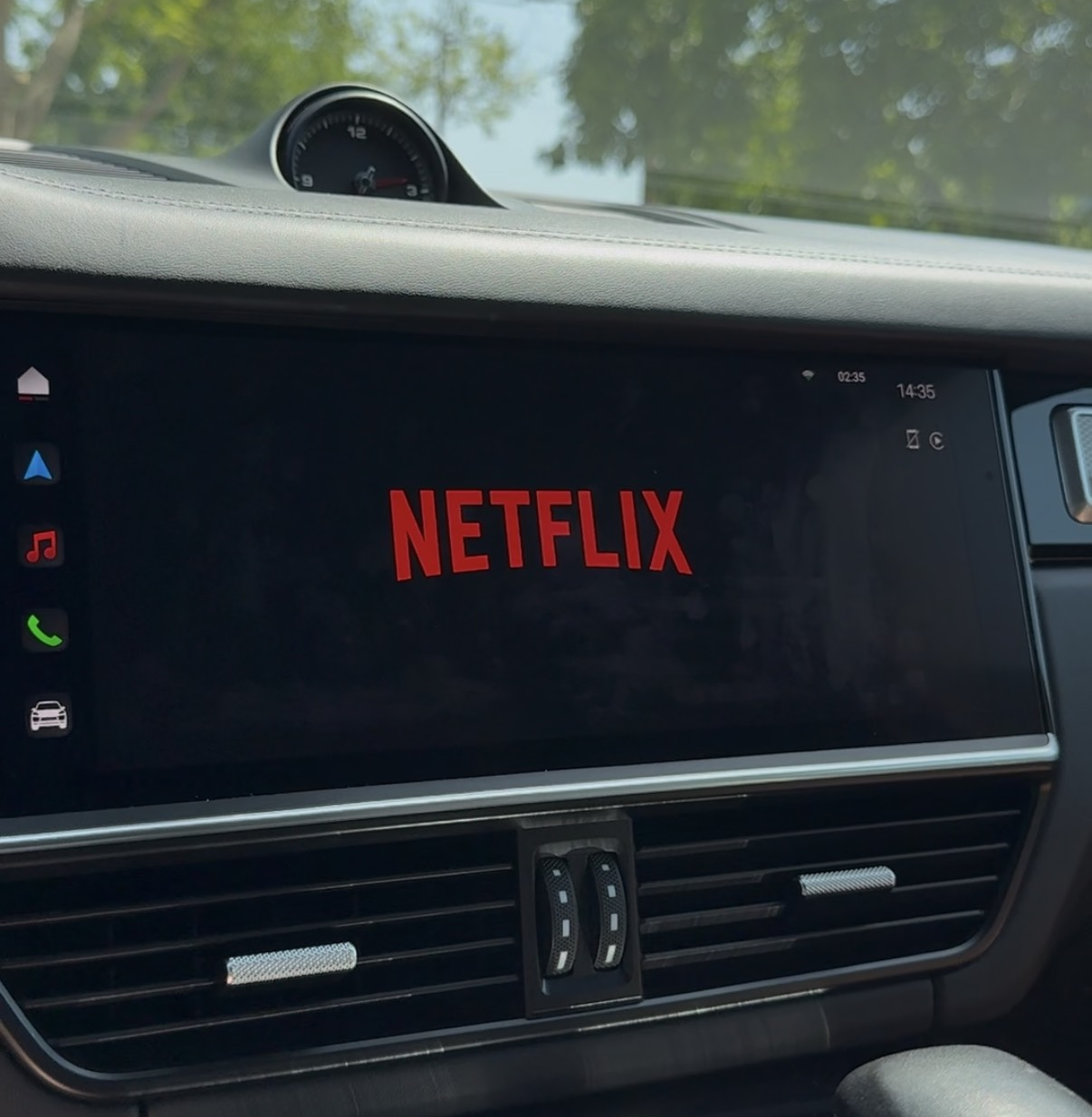
Once your adapter is connected, go to the home screen where you’ll see YouTube and Netflix icons.
Open Settings, then select Wi-Fi.
Share your phone’s internet connection via hotspot and connect in just seconds — quick and easy!
How to watch YouTube & Netflix?
Once you’re connected to the internet, you can instantly watch anything you want on YouTube or Netflix — directly on your car’s screen.
Enjoy your favorite movies, shows, and videos anytime while parked!
Why You’ll Love It?
Simply plug it in, connect once, and enjoy wireless CarPlay, Netflix, YouTube, and more — all in one sleek device.
No limits, no wires — just pure driving comfort and endless fun.
Features

Netflix
Watch favorite
Movies & Shows while parked.

YouTube
Favorite Streamers and videos in the car.

CarPlay
Wireless CarPlay — no cables, no limits.

Google Play Store
Download your favorite Apps in the car.
Netflix
Watch favorite
Movies & Shows while parked.
YouTube
Favorite Streamers and videos in the car.
CarPlay
Wireless CarPlay — no cables, no limits.
Google Play Store
Download your favorite Apps in the car.
Customer Reviews

"This is absolutely the best thing I've ever bought for my car! It makes every drive so much more fun."
— Emily R. (New York, USA)

"Finally, I have wireless CarPlay — and I can also stream YouTube and Netflix directly on my screen. This is absolutely perfect!"
— Lucas M. (Paris, France)

"This thing is awesome — my wife literally doesn’t want to get out of the car anymore! She loves watching series and movies on our car date nights."
— Ethan B. (Toronto, Canada)

"Now I can chill with my friends in the car and enjoy YouTube, Netflix, IPTV, and so much more — this setup completely upgraded our hangouts!"
— Ryan K. (Washington, USA)

“This little thin adapter is honestly the best thing for the car. Now I can watch movies when I’m on a date with a girl — literally unbelievable!”
— Mike, Chicago (USA)

“Guys, I literally have YouTube in my car — and I don’t even own a Tesla! This thing saved me a ton of money, no need to buy a new car.”
— Liam, Ontario (Canada)

“Finally solved my wired CarPlay issue — now I’ve got wireless CarPlay, plus YouTube and Netflix thanks to GoGoDrive. 10/10 upgrade!”
— Sophie, Munich (Germany)

“Now when I travel with my kids, I just play their favorite cartoons on Netflix and they’re quiet the whole trip — and I didn’t even have to buy a Tesla. Awesome!”
— Carlos, Madrid (Spain)

“Thanks to GoGoDrive, my CarPlay now has YouTube, Netflix, IPTV, and so much more — totally worth every penny!”
— Jason, New York (USA)

“Super adapter — really happy with it! Easy to connect, just share your internet and you’ve got YouTube and Netflix. Such a cool car feature.”
— Daan, Amsterdam (Netherlands)